I get asked all the time “Which is the best camera for vlogging?” The truth is that there are few different camera that I use for different situations when vlogging my weekly vlogs or family trips to places like Disneyland Paris, Walt Disney World or on the Disney Cruise Line.
Today I am sharing exactly which cameras I am using and loving for vlogging, which situations they are best suited to and the pros and cons of each. Keep reading all the way to the end to learn which cameras have surprised me and what I would buy if I was just starting out and could only choose one.
ad disclosure – this post may contain affiliate links
Table Of Contents
Smart Phone
A lot of people think that you need a fancy camera and loads of expensive equipment to start a YouTube channel and that’s just not true. Like most YouTubers, I started my channel with my iPhone and you can too! Will you want to upgrade your kit as your channel grows? Sure! But don’t let not having the right equipment yet be an excuse for not getting started.

For the story of my YouTube journey and my top tips for getting started with YouTube, watch the video or click the button below.
Phone Light
If you are filming with your phone, you’ll probably find that the picture quality is pretty great outside using natural light, but pretty poor using artificial light. Grab yourself a basic phone diva ring light to add some instant lighting to your phone for under a tenner.
Point & Shoot Camera
Sony ZV1 Mark ii Vlogging Camera
In 2023 I upgraded my Sony ZV1 to the ZV1 Mark ii. The mark ii has all of the features that I loved from the mark I, plus a wider field of view (meaning you can see more of yourself in the frame when vlogging) plus an upgraded microphone, among other features.

Check out the video below for a review of the ZV1 mark ii plus a comparison with the mark i.
DJi Osmo Pocket 3 Creator Combo

DSLR Camera
A DSLR camera gives more flexibility than a point and shoot camera as it allows for interchangeable lenses.
M50 Mark ii

The camera that I used to9 use before getting my Sony Canon M50 Mark ii. It has the added bonus of interchangeable lenses, but honestly I don’t use it much any more.
M50 Mark ii DSLR Camera Lenses
Although the M50 came with a “kit lens” I almost never use that one. Instead, I use the 2 lenses below.
Sigma 16 mm f/1.4 (C) AF DC DN Lens for Canon EF-M X Mount

The Sigma 16mm is AMAZING for creating that blurry background and functions brilliantly in low light, but does not have image stabilisation.
Canon EF-M 11-22 mm f/4-5.6 IS STM Lens

The Canon EF-M 11-22 does have the image stabilisation and I like that it has a wider field of view, but doesn’t offer such a blurry background and doesn’t perform as well in low light situations.
Action Camera
An action camera is great if you are wanting to capture footage during extreme sports, on rollercoasters or on theme park thrill rides.
GoPro
I bought my original GoPro Hero 7 to capture on ride POV (point of view) footage in theme parks to add into my vlogs. I also use my GoPro for footage where my camera may get wet.
I have recently upgraded to the GoPro Hero 11 Creator Edition which comes with the media mod (with an upgraded microphone), light mod and Volta grip for additional battery life. Honestly, the GoPro is great for action shots like on rollercoasters or in the rain or pool, but it’s not great in low light. Also, I wouldn’t bother with the creator combo as I don’t use those accessories much.

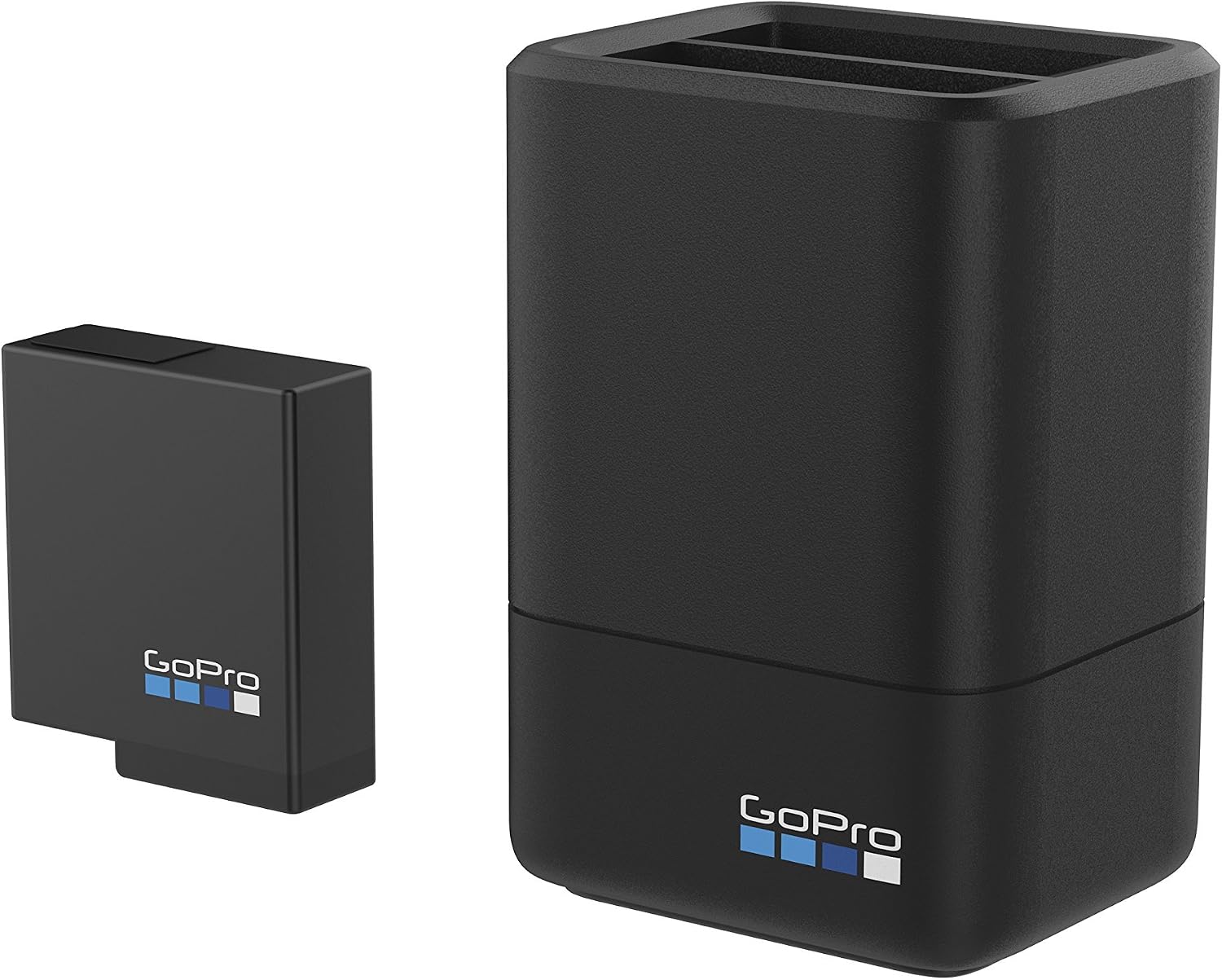
GoPro Spare Batteries
Accessories
Tech Pouch
This is a brilliant little pouch for storing cables, batteries and SD cards etc while travelling.

SD Cards
Standard SD Cards

Arguably even more essential than spare batteries (as your camera won’t physically work without one) are SD cards. It’s worth investing in more GB of storage, anything less than 64GB is a waste of time in reality. Again, I have 4 that I use on rotation but you could probably manage with 2.
Micro SD Cards

As with my main vlogging cameras, your action camera will need SD cards to record footage. Make sure that you get “extreme” rather than standard Micro SD cards or the card won’t keep up with the camera.
SD Card Cases
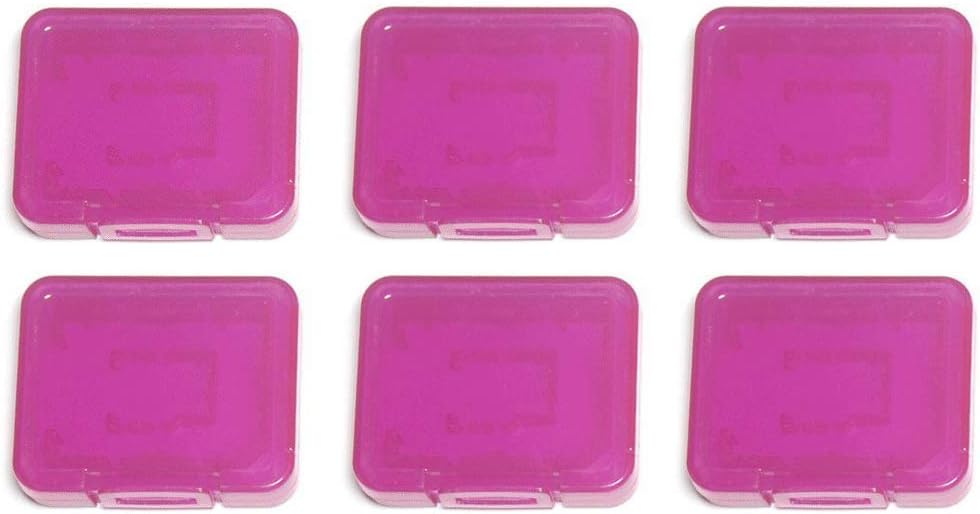
These little SD card cases are ideal for protecting my precious SD cards containing footage.
Pencil Cases
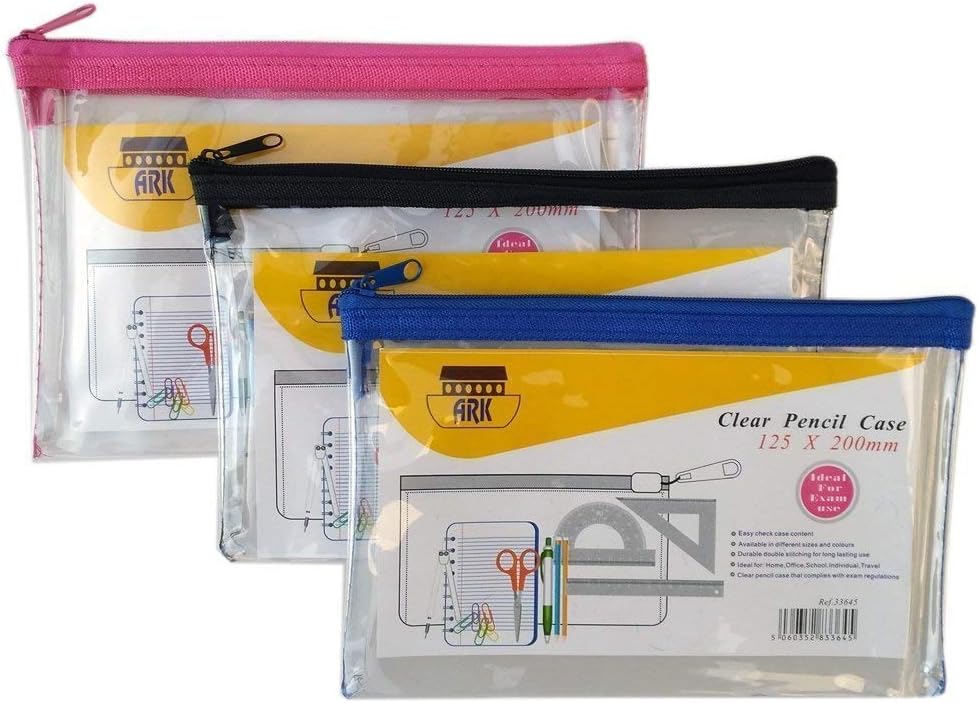
I use these clear pencil cases for storing my spare batteries and SD cards to avoid them getting lost or damaged in my bag.
Microphones
RØDE VideoMicro

RØDE Wireless GO

Deity D4 Duo

JOBY Wavo PLUS

Tripods
Hand-Held Tripod
I actually have a few hand held tripods that I use for different circumstances. Honestly, you only need one, so choose the one that fits your needs.
PIXI Mini Tripod

I use the PIXI hand held tripod moth often. It makes placing the camera down and angling the right shot easy. When I am walking around vlogging, the 3 legs come together to make a sort of selfie stick. By holding the tripod rather than the camera itself, it makes a better angle for the shot, plus it is more comfortable and stops you from covering the mic with your fingers.
Joby Tripod

The Joby works the same as the PIXI but it can also be wrapped around things to secure the camera in different positions. This is a useful feature, but I find that it’s not as easy to just get a level shot on a flat surface.
ULANZI MT-41 Tripod

This tripod is amazingly versatile. It has a ball head, a cold shoe that turns to redirect the microphone audio also extends easily to get your vlogging camera further away from your face. This tripod is ideal for your phone, action camera or point and shoot camera, but not so good for the heavier mirrorless cameras.
JOBY JB01548-BWW TelePod Pro

This Job Telepod is like the Ulanzi, but a little more sturdy. The price is a little higher too, but I’d say it’s a better long term option.
PGYTECH MANTISPOD PRO

The PGY Tech Mantispod Pro is my newest tripod and works well both handled and attached to surfaces or objects. I especially like that the cold shoe for the external microphone swivels to allow me to record facing wither direction. This is more expensive than the Ulanzi MT-41 but more substantial and can easily manage the heavier mirrorless cameras.
Main Tripod
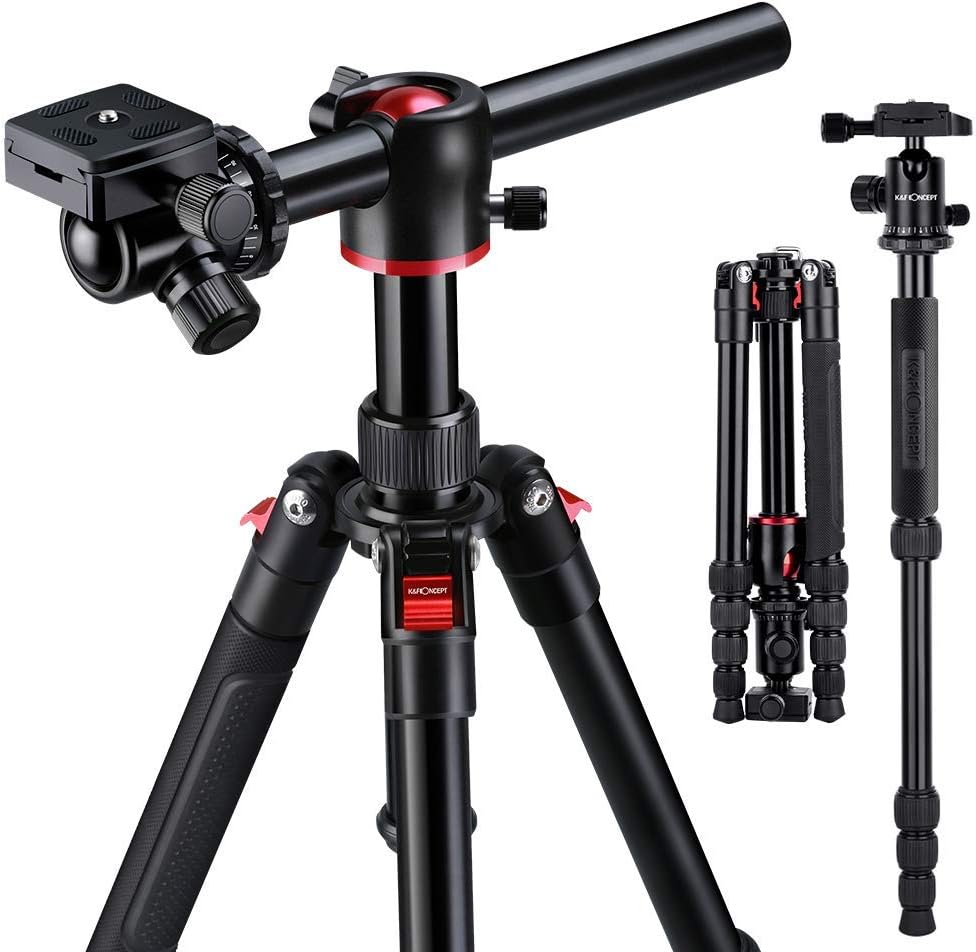
I just love my “main” tripod for creating shots at all levels and angles plus panning shots too. This one is a little more pricey than the basic phone tripod but has been amazing for helping me create better videos.
Lighting
Ring Light

Ring Light
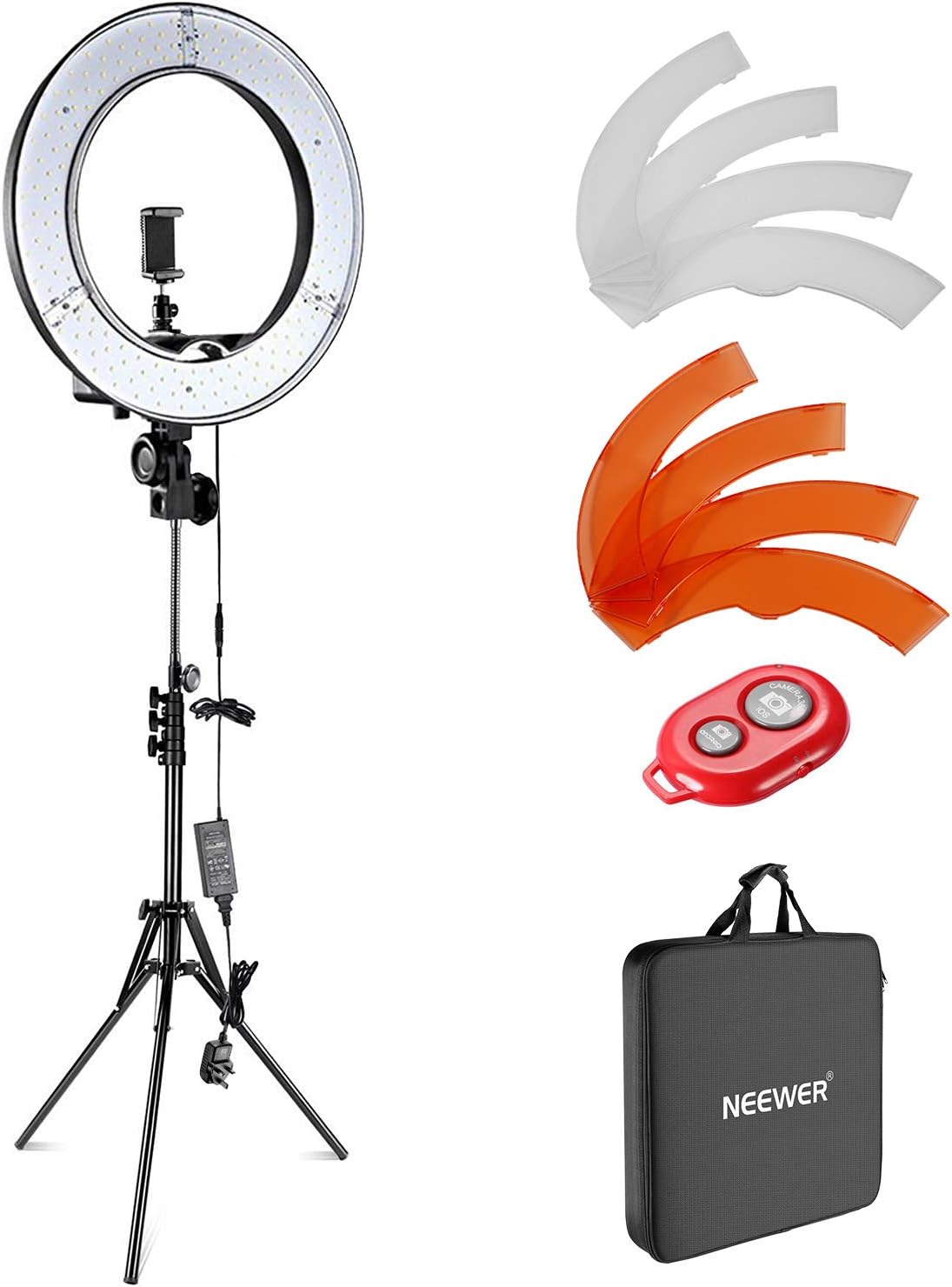
My ring light is perfect for filming indoors as well as taking photos for thumbnails and for Instagram.
GoPro Accessories
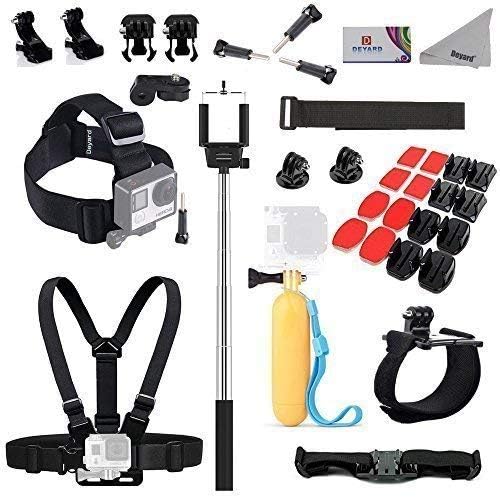
Branded GoPro accessories are pretty pricey. While it’s worth investing the money in the camera (if you plan to do action shots), you can save loads of money by buying off-brand accessories. I bought this bargains accessories kit and the whole lot cost less than just one official GoPro strap.
Editing
I started editing on my iPhone and iPad using iMovie. Since then I have upgraded to mainly using Final Cut Pro on the Mac, but it’s pricey and not super beginner friendly. If I am ever editing short form content on my iPhone or iPad, I now use CapCut and I highly recommend it.
The Editing Software I Recommend
Descript is an editing software that has been around for a while, but recent updates have taken it to the next level, making it an absolute game-changer for video editing. It’s a text-based editor, meaning if you can edit a Word document, you can now edit a video—it’s really that easy.
Whether you’re a complete beginner or an experienced creator, Descript simplifies the process without compromising on powerful features. I now use it for the first cut of all my sit-down, talking-head videos before finishing them in Final Cut, but honestly, it’s an incredible end-to-end editor on its own. If you haven’t tried it yet, I highly recommend giving it a go!
The Best All Around Camera
This is a tricky question, which is the best all around vlogging camera? I’ll have to say that since it’s release in 2023, the tech community seems to be in agreement that the Osmo Pocket 3 is the best all round camera with it’s tiny form factor, amazing picture in low light, audio quality and stabilisation.
DJi Osmo Pocket 3 Creator Combo
Join the conversation
Where are you on your YouTube journey? Have you bought any kit? What is your next purchase? Comment below and let me know.
Get The Ultimate Mum Bundle Now