

In this video I am sharing a vlog where my son Will (aka Will-a-pedia because he knows so much about Disney) and I are up at 4:30am ready to check in for our Disney Cruise on the Disney Dream in summer of 2023. I hope you enjoy both the Disney chat and the Disney Cruise tips that we share in this video.
ad disclosure – this post may contain affiliate links
Table Of Contents
Magical Cruise Planner
Want help planning your cruise in order to make the most of the magic? Either grab a pen and paper and make nites of everything said in there video, or check out my Magical Cruise Planners, available in digital (printable or to be filled out on a tablet), coil bound or perfect bound book versions.

Disney Magic Cruise Online Check In 2021 Vlog
Disney Magic Cruise Vlog Series
Everything You Need To Know Before A Disney Cruise
Everything I Wish I’d Known Before My 1st Disney Cruise
Book A Disney Cruise With Me Vlog
Telling The Kids We Are Going On A Disney Crusie
Online Check In With Me
Pack With Me
What You Need Before You Start Your Disney Cruise Line Online Check In
Your reservation number
In order to complete your online check in, you will need to know your reservation number and / or Disney Cruise Line login details.
Government ID
During the online check in you will need to upload a photograph of your government issued ID. You can use your photo driving licence or valid passport.
Photos of each passenger
Make sure that you have a recent head and shoulders image of each member of your party. The background should be plain, with no filter used.
Passenger details
For each passenger that you wish to check in, you will need;
- Full names
- Dates of birth
- Telephone numbers
- Emergency contact details
- A password for your family to use – you will use this word to collect your children from the kids club.
Credit card details
During your online check in, you will need to set up your on board account for any purchases that you make while on the ship. You will need a credit cad to link to this account.
Top Tips For A Successful Disney Cruise Line Online Check In
Book your activities before online check in
Online check in may take a while, so you many want to score a quick win by booking the show plus any other included activities before you get started checking in.
Have your photos in a folder ready for upload
Save your photos in a folder or album where you can easily locate them to be uploaded.
Have a folder ready to store printed documents
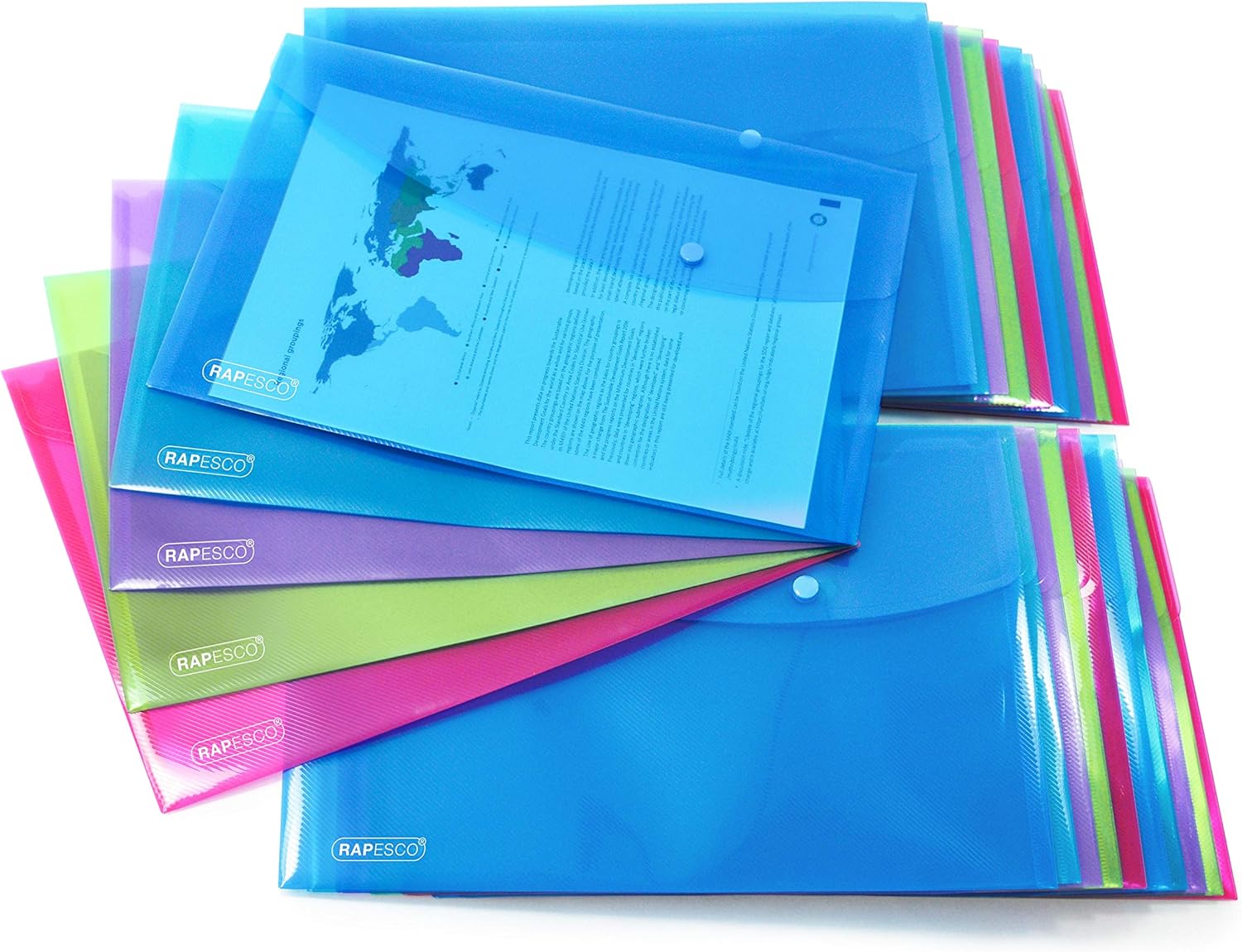
You will need printed copies of your online check in documents in your hand luggage. Grab a popper folder to store your documents neatly.
Know when to refresh
I found that when I pressed “upload” and the circle just kept spinning for a while, the upload was failing and it was time to press refresh and try again.
Complete online check in as early as possible to secure your port arrival time
Only once every person booked into a reservation is checked in can you select your port arrival time. If you have 2 rooms, like we have booked, you will need to complete the check in for each person and select port arrival times for each room. The earlier you manage to complete check in, the more choice of port arrival times you will have.
Use a portable device
Be prepared that the check in process may take a little time, so using a portable device such as a tablet or laptop rather than a desktop will allow you to move around your home.
Line up something to watch to keep you entertained
Luckily for you I have a load of Disney content to keep you busy while you go through the check in process.
